
Voice cloning is live on the web
Characters shouldn’t all sound the same. On the web you can pick a read-aloud voice for chat, or clone one from a short sample with Mistral Voxtral.
Explore voices
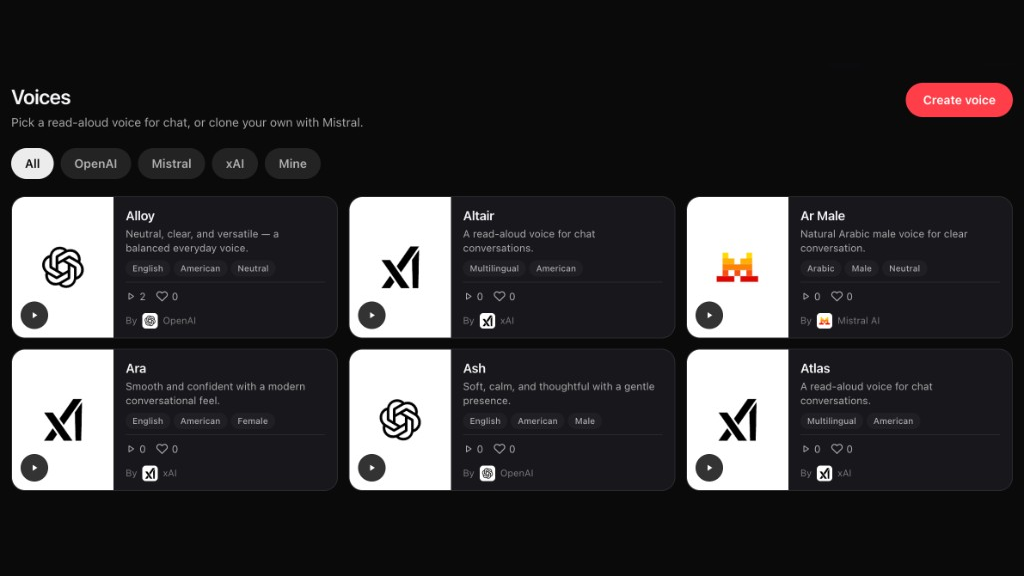
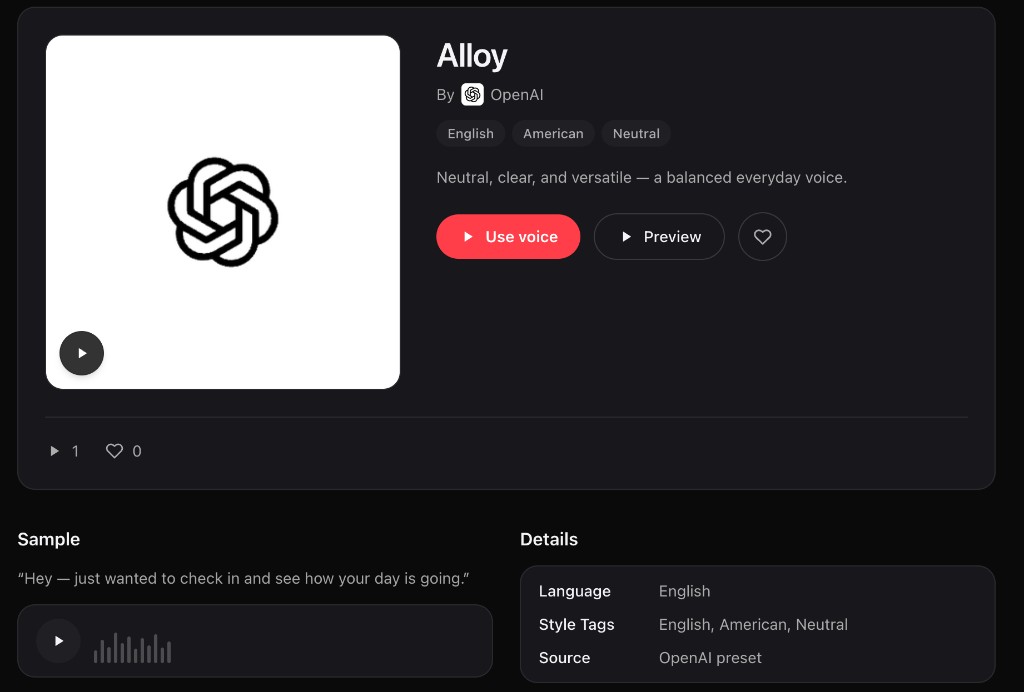
Open Voices and you’ll see a grid of presets from OpenAI, Mistral, and xAI, plus anything you’ve made under Mine. Filter by provider, tap play on a card to hear a sample, or open a voice for the full sample line and details. Hit Use voice when you want that one for chat.
Create or clone
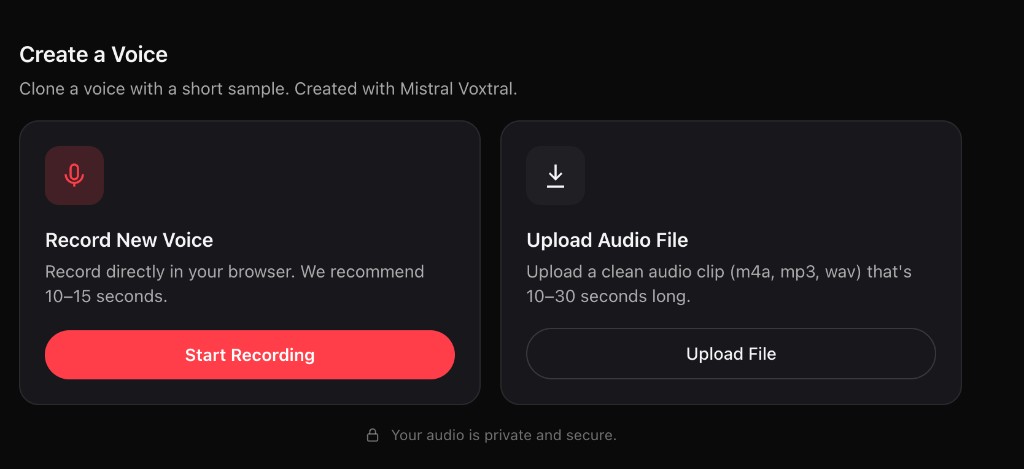
Create voice walks you through a short clone flow. Record in the browser (about 10–15 seconds) or upload a clean clip (m4a, mp3, or wav, 10–30 seconds). You name it, add optional tags, preview the result, and save. Clones show up as yours, with source marked as a Mistral clone.
Use it in chat
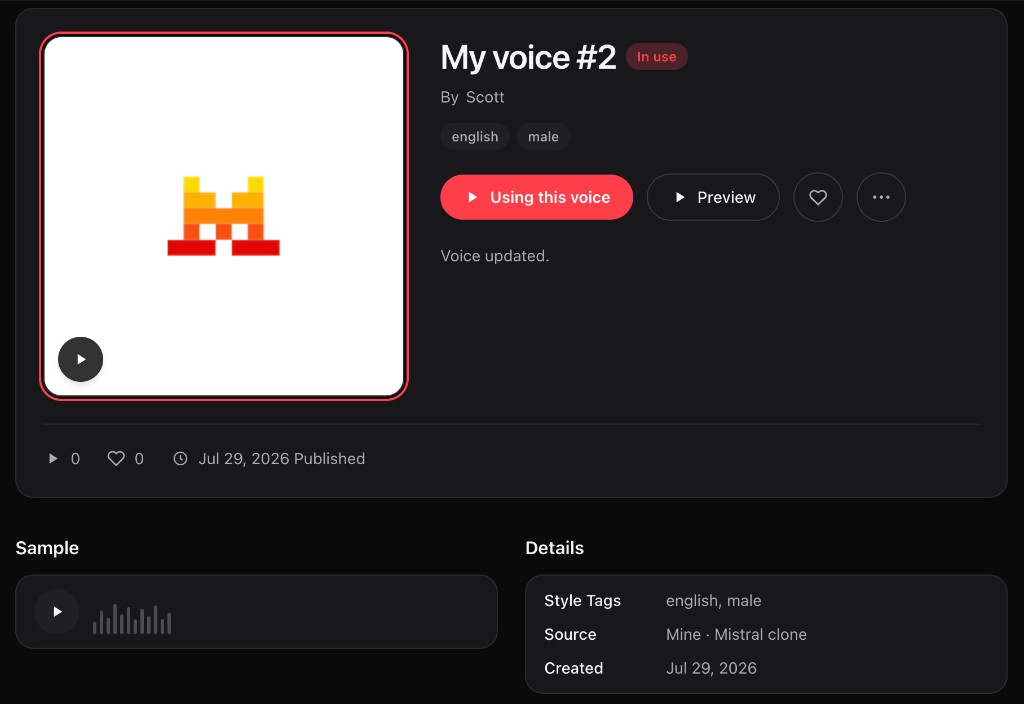
Once a voice is selected, chat can read replies aloud in that voice. On a voice’s page you’ll see when it’s In use, so you know what’s driving read-aloud right now. Swap anytime from Voices or from chat settings.
That’s it. Browse the catalog, clone something that fits, and put it on a conversation.
Explore today: https://vibeside.ai/explore?type=voices