
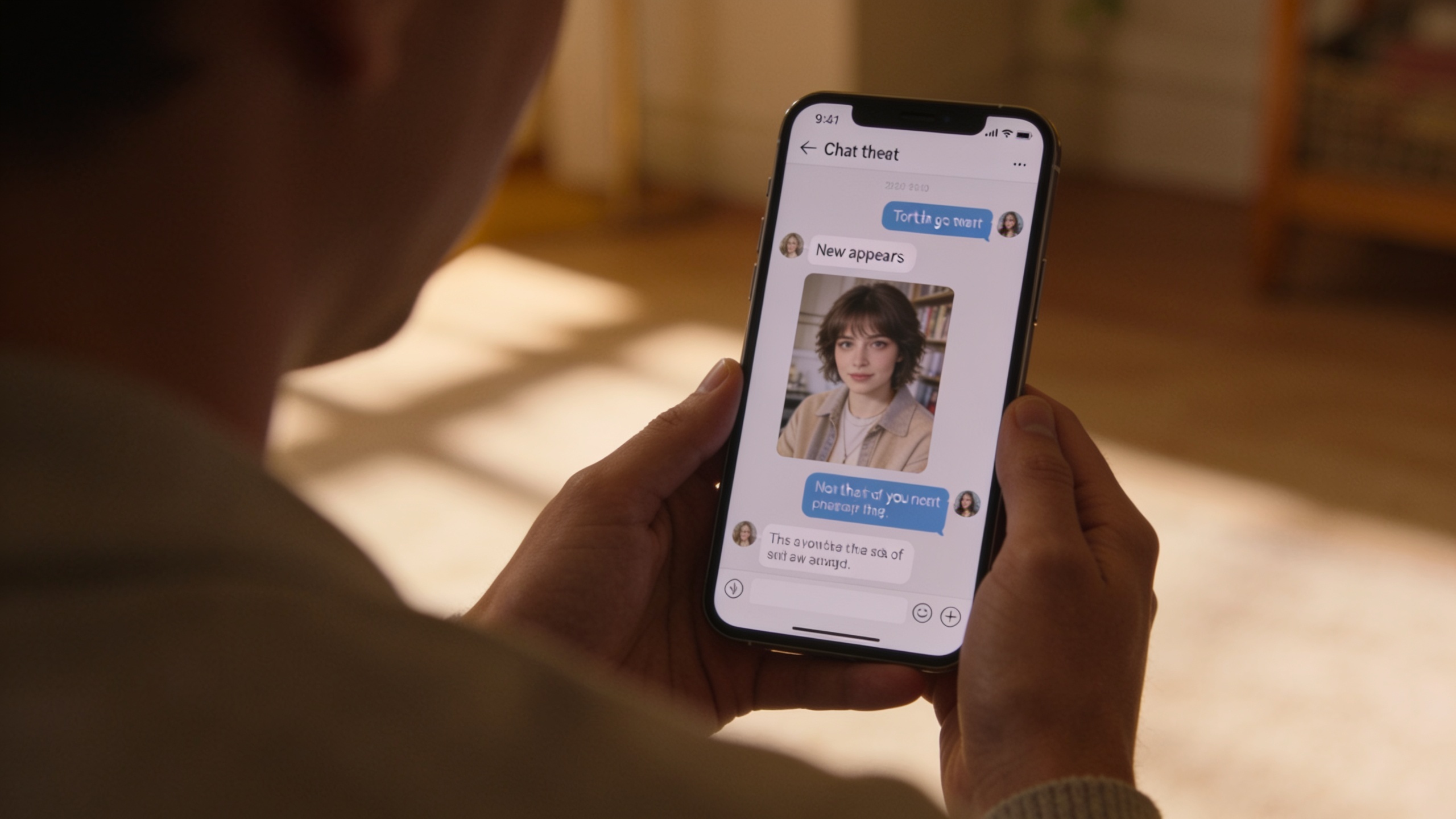
Making images inside the chat
Sometimes you want a picture in the middle of a conversation. Not a side quest to a separate generator. Right there in the chat, while the vibe is still hot.
Vibeside gives you a couple of ways to get there. You can ask for something new in the thread, or lean on images that already belong to the character. Both are useful. They solve different moments.
When the gallery is enough
Characters often already have portraits and scenes. If you want “send me that look” or “the usual outfit,” the gallery is the honest answer. It’s fast. It’s consistent. It doesn’t invent a brand new face when you meant the one you already know.
Use the gallery when continuity matters more than novelty. Same character. Same vibe. You’re picking from what exists instead of rolling the dice.
When you want something new
Generation is for the moments the library doesn’t cover. A new setting. A different outfit for the scene you’re in. A quick visual that matches what you just said in chat.
The important part is that it still feels in-character. You’re not leaving the conversation to go “make AI art.” You’re asking the chat for a picture that belongs in this thread.
How to ask without fighting the product
Be specific about what you want, and chill about how the sausage is made. “Can I see you on the balcony at night?” is clearer than a vague “send pic.” If you want the familiar portrait, say that. If you want a new scene, say that too.
If the chat can’t or shouldn’t generate something, a good product response is honest. No silent bait-and-switch. No pretending a random gallery shot was custom-made when it wasn’t. Clear beats clever.
Keep the chat in charge
Images should support the conversation, not hijack it. One good visual at the right moment beats a flood of generations. Same rule as texting a friend: send the photo when it adds something, not because you can.
Try it from a character chat on the web. Ask for a look you already know, then ask for a new scene. You’ll feel the difference between pick and make.
A simple rule of thumb
If you can point to an existing image and say “that one,” use the gallery. If you need a picture that doesn’t exist yet for this moment, generate. If you’re not sure, start with gallery. It’s cheaper on patience and usually closer to the character you already know.
And if an image request would break the vibe of the chat, it’s fine to stay in text. Not every beat needs a picture.
Creators: stock the shelf
If you make characters, a small set of strong images helps more than a giant messy pile. Give people a few looks that clearly belong to the same person. Then generation has a better baseline when someone asks for something new.